01The device talking to a phone — the proof
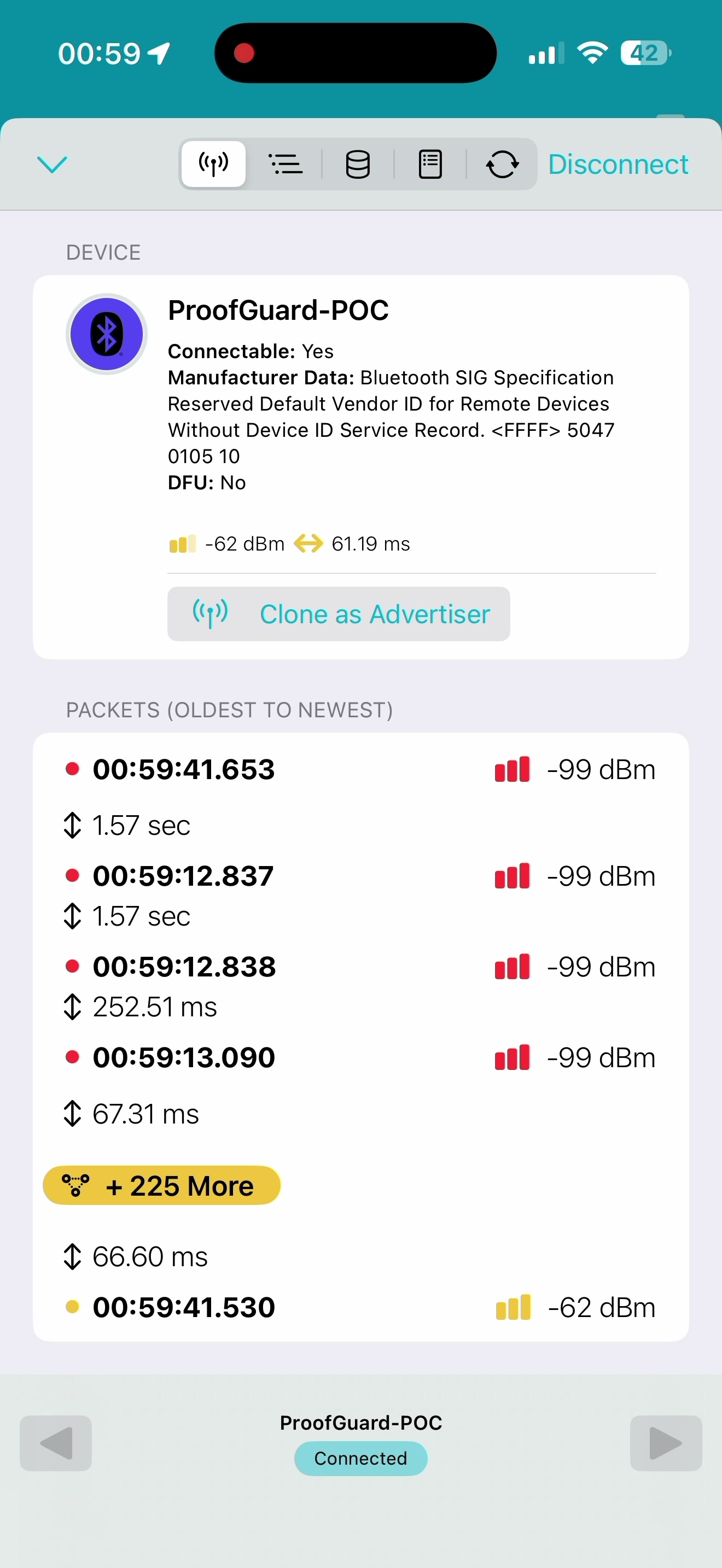
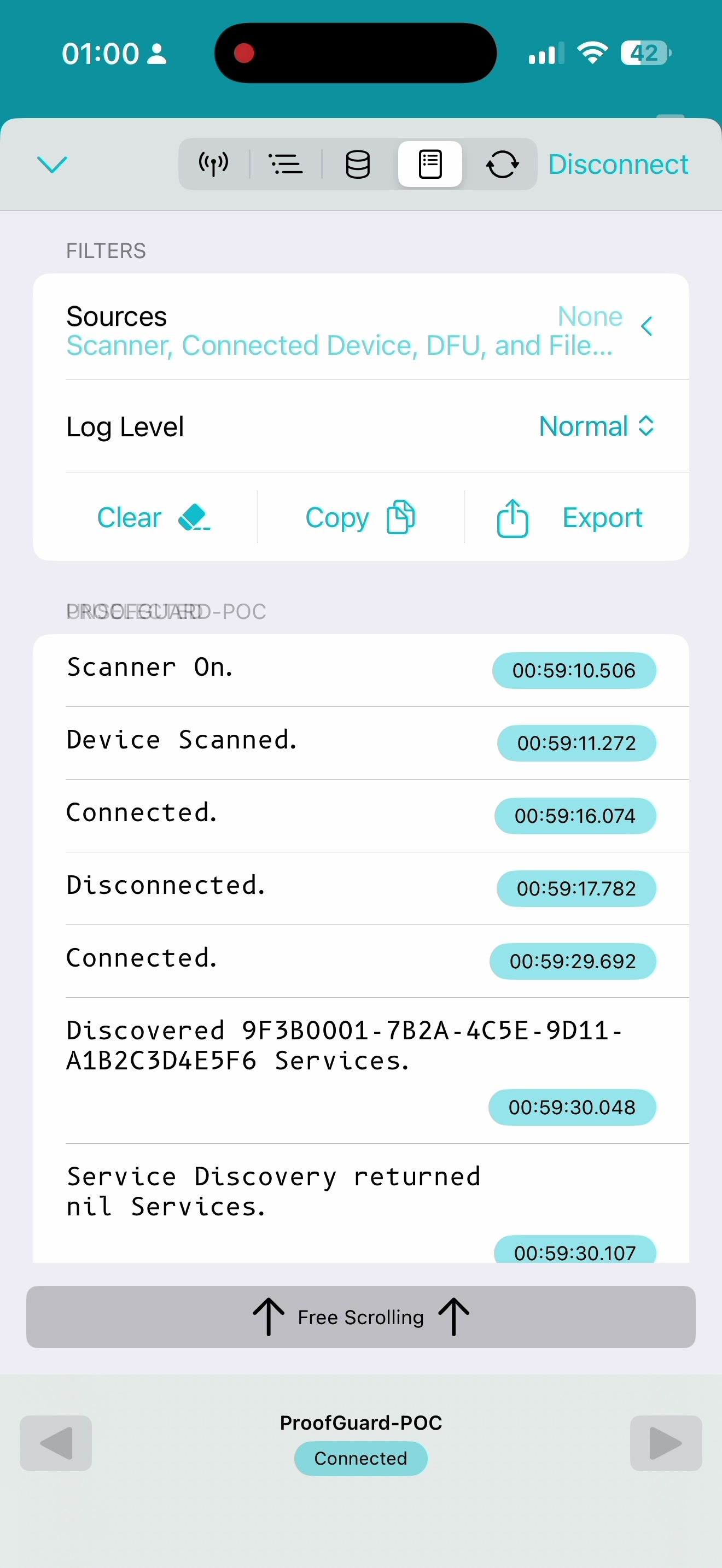
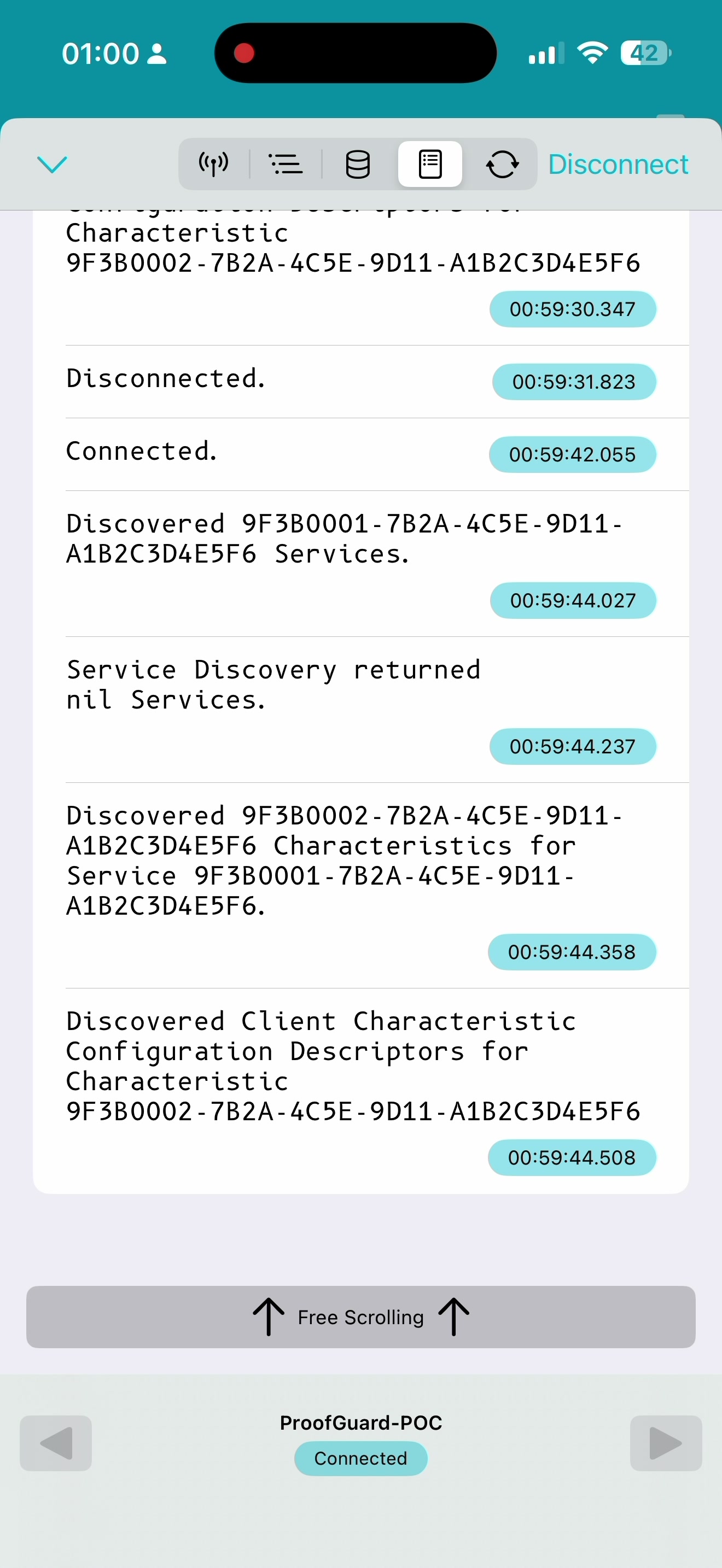
Filmed on 22 June. The little ProofGuard device was switched on, and an iPhone found it and connected to it wirelessly — no internet, no third-party app, entirely our own. Here's what that looked like on the phone screen.
Tap any image to see it full-size.
In plain English, here's the sequence those three screens capture: the iPhone searches for nearby devices and spots the ProofGuard unit → it connects to it wirelessly, from across the room, with nothing plugged in → and it confirms it can receive the device's alerts. That's the whole chain a real emergency signal needs — and it's now working.
Why this matters — in plain terms. The biggest question hanging over this whole idea was never the alarm or the app. It was simpler and scarier: can a tiny, cheap, battery-powered gadget reliably get a message to someone's phone, all by itself? This week we proved it can — on our own setup, on camera. From here it's careful building, not crossing-fingers invention.
02Everything that moved this week
What was shared with you plus what was actually built behind it — w/c 14 → 21 June.
| # | Item | What it is / status |
|---|---|---|
| 1 | All the research in one place | Every bit of research pulled together into one ProofGuard project pack — 75 documents covering the device, the app, how the safety alerts work, and the step-by-step build plan. One organised home for the whole project. |
| 2 | Name & website | Name locked in as ProofGuard; the web address getproofguard.com is bought; a sign-up page is live and people can already join the early-tester waiting list (tested and working). |
| 3 | The three safety levels | How the alarm escalates is now defined: Watch (quiet) → Shield (step it up) → Emergency (pull the pin, full alarm). |
| 4 | Device chosen | The unit we're building on has a camera, microphone and onboard storage — so it can capture evidence. That's the "Pro" version; a simpler, cheaper model (no camera) is noted for a basic tier. |
| 5 | ● Live Wireless alert working | The device now switches on, an iPhone finds it and connects to it, and the phone can receive its alerts — all proven and caught on video (above). |
| 6 | ◑ In progress Camera & microphone test | A memory card is fitted and the camera/microphone code is written — now being tested, so the device can take a photo and record sound as evidence. |
| 7 | Hands-on help lined up | The local Men's Shed (retired engineers, meets Wednesdays) is confirmed to help with the fiddly soldering and pull-pin work; Charles and a model-railway contact can help with 3D-printed parts; other tinkerers as back-up. |
| 8 | Checked the competition | invisaWear and similar safety jewellery looked at — they sell for £91–184, a useful guide for pricing the Pro version. |
03The three states this proves out
The Bluetooth channel demonstrated above is exactly what carries these escalating alerts to the phone. One device, three deliberately different responses.
WATCH — silent
Discreet evidence capture begins: GPS trail, timestamp, optional audio/video. Nobody nearby knows. Fully reversible.
SHIELD — escalated
Higher-frequency GPS, live location to a trusted contact, check-in countdown. The "someone's behind me" state.
EMERGENCY — loud
Pull the pin: 130dB siren, flashing LEDs, contacts alerted, recording continues. Unmistakable and irreversible.
04What's next
The finish line for this stage: pull the pin → the alarm sounds and an alert reaches a locked phone in the next room, with a photo saved as proof. We've now got past the hardest part of getting there.